




Description
Download Doninn Audio Editor APK – audio editor, MP3 editor, free audio editor, Android audio tool, music maker app
Overview
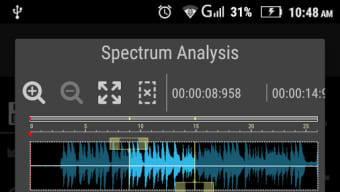
Doninn Audio Editor APK is a mobile application designed for users seeking a straightforward way to record and edit audio files directly on their Android devices. The software is tailored for casual users, aspiring music creators, and individuals who need to produce short audio clips, voice memos, or basic music edits without the complexity of professional-grade tools. It supports MP3 file editing, enabling users to trim, splice, and apply effects to recordings with minimal effort. The app is particularly suited for those who value simplicity and quick access to essential audio manipulation features. While the developer, Doninn, has not provided additional background details, the app’s functionality suggests a focus on accessibility and ease of use for non-technical users. Real-world usage scenarios include editing voice notes for personal or educational use, preparing short audio snippets for social media, or experimenting with music production at a beginner level. The app’s design emphasizes intuitive navigation, allowing users to perform common tasks without prior experience in audio editing.
Key Features & Capabilities
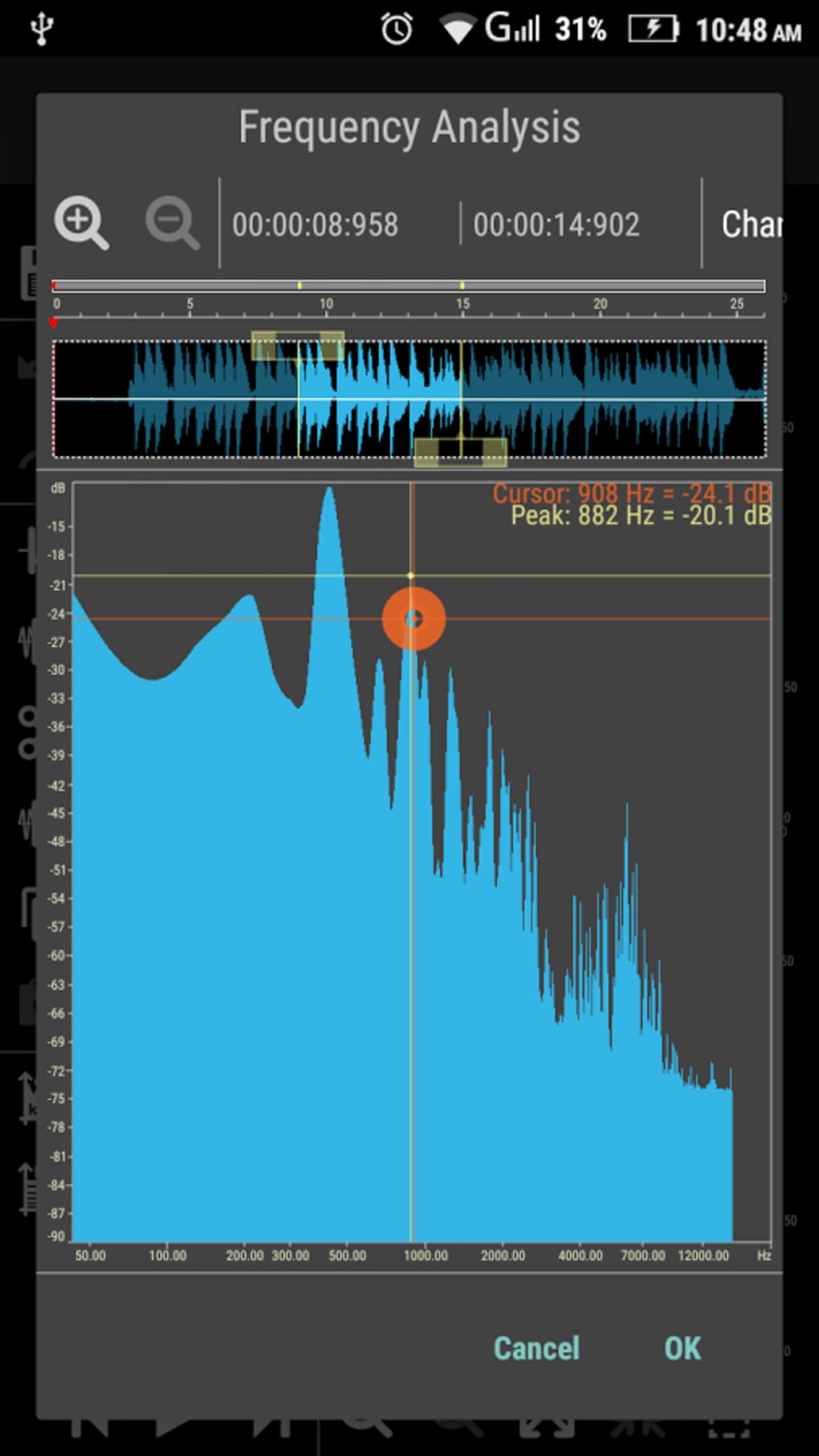
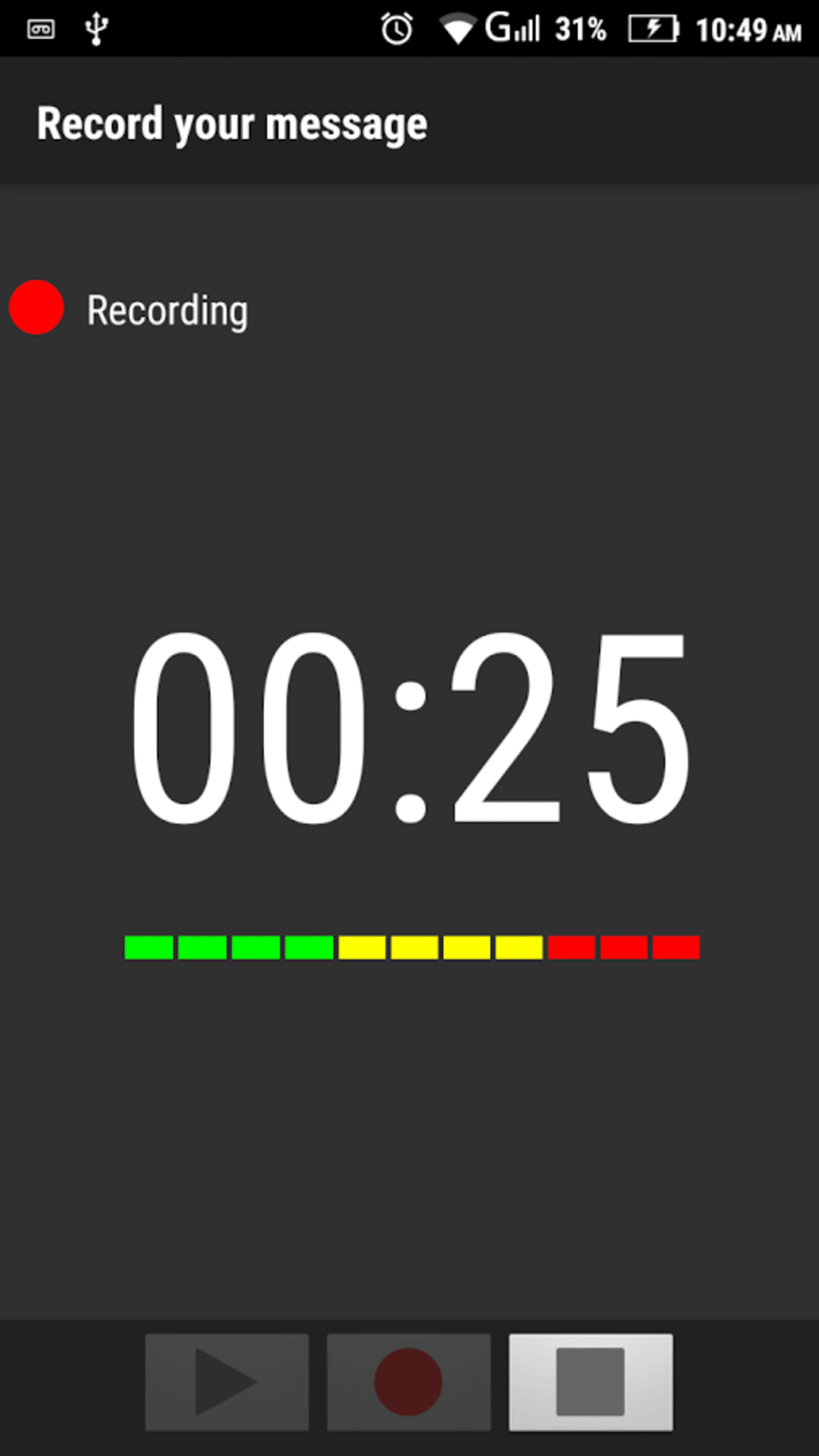
- MP3 Recording and Editing – Users can record audio directly within the app and edit MP3 files with tools such as trimming, cutting, and merging segments.
- Channel Management – The app allows independent handling of audio channels, including the ability to swap left and right channels, which is useful for stereo editing and sound balancing.
- Audio Effects – A suite of built-in effects enables users to modify the sound of their recordings, such as adding reverb, echo, or adjusting volume levels.
- Simple Interface – The app features an intuitive layout that organizes tools clearly, reducing the learning curve for new users.
- Short-Form Audio Support – Designed for brief recordings, the app is ideal for voice memos, short clips, and quick music edits.
These features enable users to create polished audio content on the go. For example, a student might record a lecture summary and trim irrelevant parts before sharing it. A hobbyist music maker could experiment with layering sounds and applying effects to create a short musical loop. The ability to manage audio channels separately adds flexibility for users who want to adjust stereo balance or correct audio alignment. While the app does not support advanced workflows like multi-track editing or complex automation, its capabilities are well-aligned with its target audience and purpose.
User Interface, Workflow & Performance
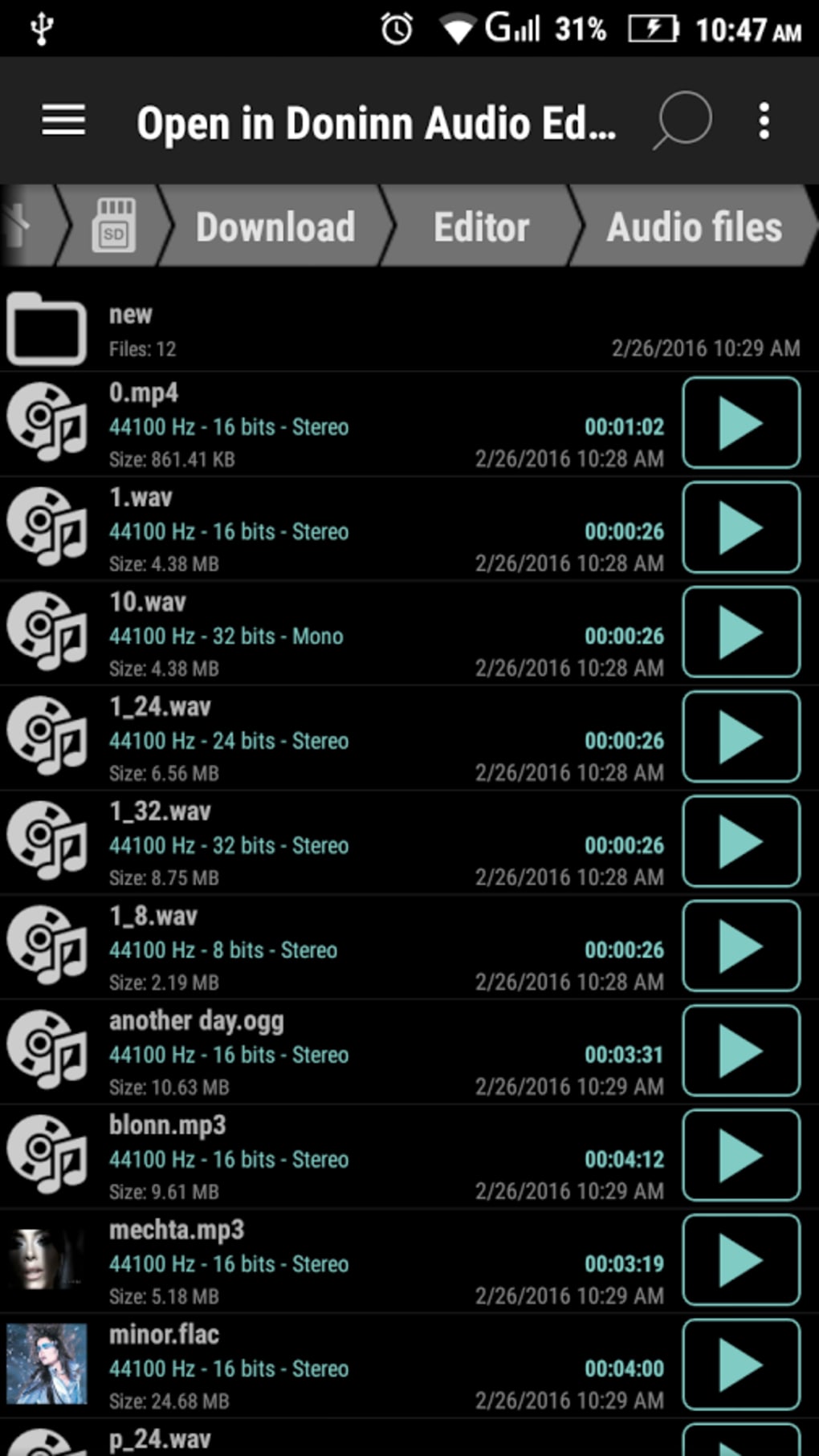
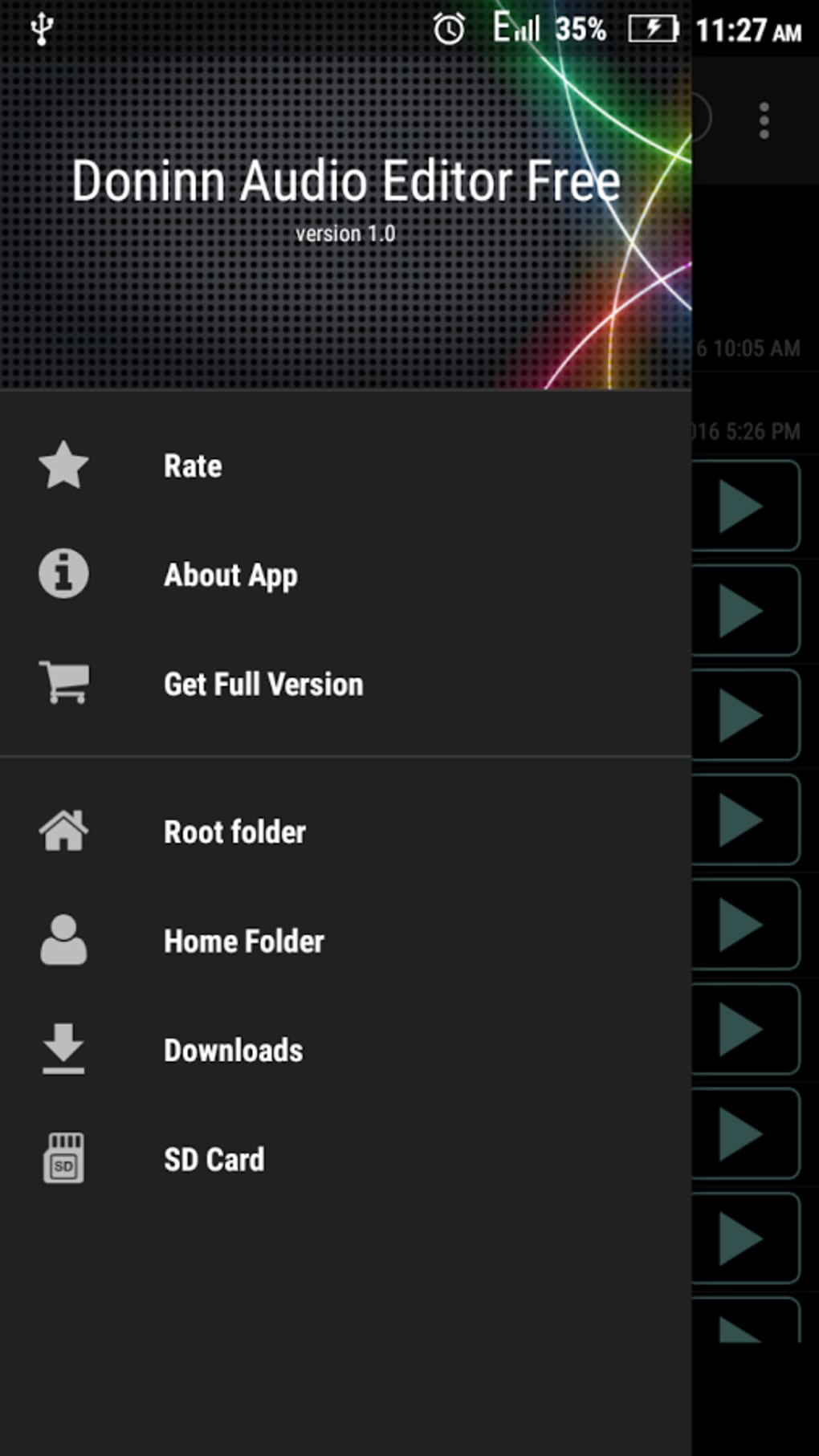
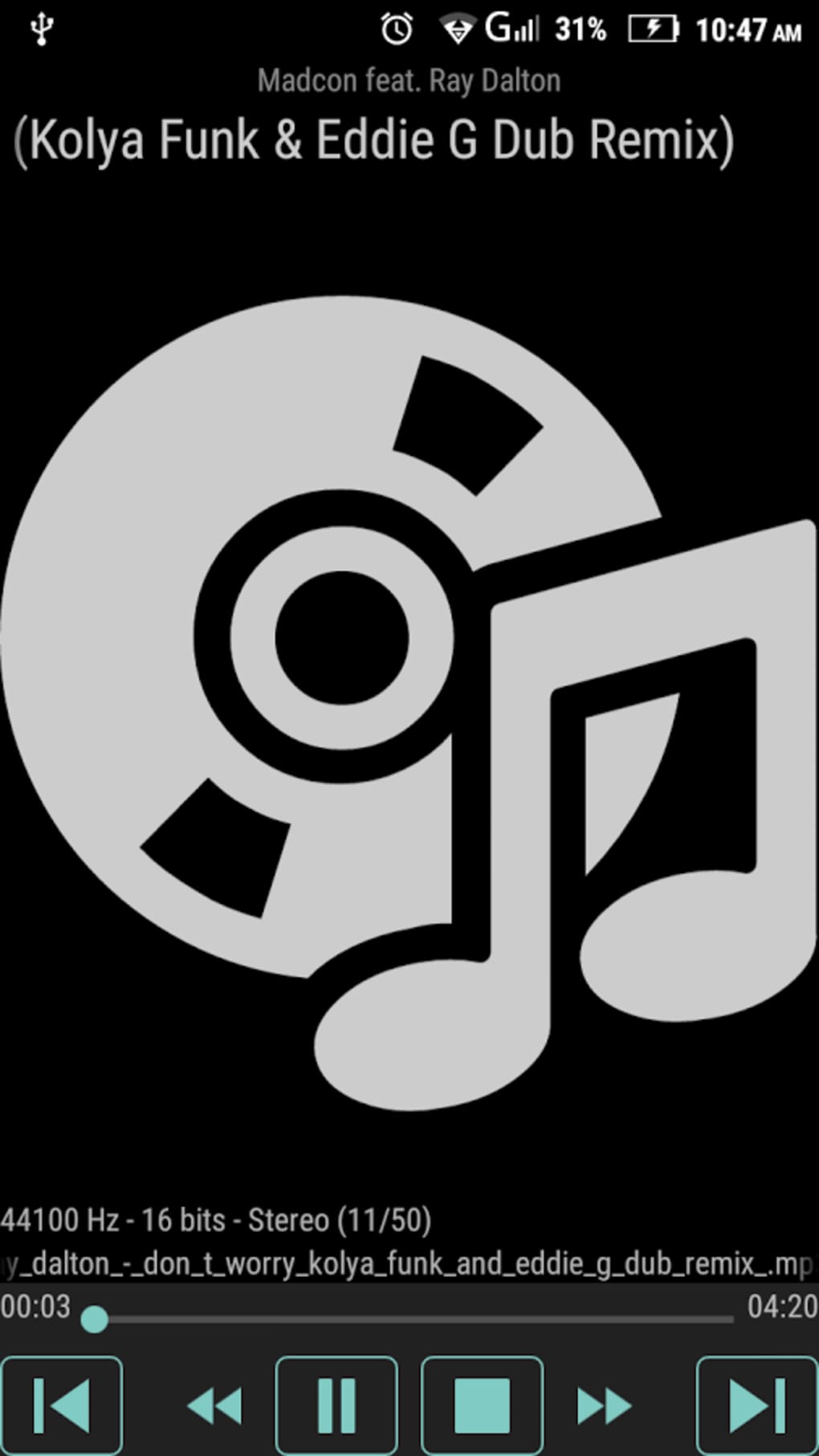
Doninn Audio Editor presents a clean, user-friendly interface optimized for touch-based navigation on Android devices. The layout groups common tools into accessible panels, allowing users to move seamlessly between recording, editing, and playback functions. Navigation is straightforward, with clearly labeled buttons and visual indicators for current actions. The workflow is designed to be linear and efficient: record → edit → export, minimizing unnecessary steps. The developer did not specify resource usage details, so performance behavior in terms of CPU or RAM consumption remains unknown. However, based on general software behavior patterns, the app is expected to operate smoothly on mid-to-high-end Android devices. Stability during recording and editing sessions has not been reported, but the app’s lightweight nature suggests it is unlikely to cause system strain. Users can expect consistent responsiveness for basic tasks, though prolonged or complex editing may vary depending on device capabilities.
Compatibility & System Requirements
Doninn Audio Editor is compatible with Android operating systems, though specific version requirements were not listed. The installation size is 14.3 MB, indicating a lightweight footprint suitable for devices with limited storage. The app is designed for mobile use and does not support desktop platforms. The developer did not provide additional system requirements, including minimum RAM, processor specifications, or storage needs. Compatibility information is limited to the platform and file size. Users should ensure their Android device meets general app installation standards. For those using older or low-end devices, performance may depend on available system resources, though no issues were reported. The app’s focus on mobile optimization suggests it is tailored for smartphones and tablets rather than other form factors.
Pros and Cons
Pros
- Free to download and use with no in-app purchases or ads mentioned
- Simple, intuitive interface suitable for beginners
- Supports MP3 recording and editing on Android devices
- Offers channel swapping and basic audio effects
- Lightweight installation at 14.3 MB
Cons
- Maximum recording duration capped at three minutes
- No support for file formats beyond MP3
- Unsupported on desktop platforms (Windows, Mac)
- Advanced editing features not available
- Exact system requirements not specified
FAQ Section
Is Doninn Audio Editor compatible with all Android devices?
The app is designed for Android, but specific compatibility details such as minimum OS version or hardware requirements were not provided by the developer.
Is the app safe to download and use?
Doninn Audio Editor is available as an APK file, and while no security risks were reported, users should download from trusted sources to ensure safety.
Does the app require an internet connection?
The app functions entirely offline, allowing users to record and edit audio without needing an internet connection.
Can I edit audio files longer than three minutes?
No, the app limits recording duration to three minutes per session. Users seeking longer recordings will need to use alternative tools.
What type of license does Doninn Audio Editor have?
The software is free to use, and no licensing details were provided. It is distributed as a free Android application.
Final Thoughts + CTA
Doninn Audio Editor APK delivers a focused, accessible solution for users who need to record and edit short audio files on Android. Its intuitive design, support for MP3 editing, and built-in effects make it a practical choice for casual users and beginner music creators. While it lacks advanced features and has a three-minute recording limit, these constraints are acceptable given its intended audience. The app’s lightweight size and free availability enhance its appeal for on-the-go audio editing. For those seeking a no-frills tool to handle quick voice memos, social media clips, or simple music edits, Doninn Audio Editor offers a solid starting point. Download Doninn Audio Editor now and start creating your audio content with ease.
Guides & Tutorials for Doninn Audio Editor APK
How to install Doninn Audio Editor APK
- Click the Preview / Download button above.
- Once redirected, accept the terms and click Install.
- Wait for the Doninn Audio Editor APK download to finish on your device.
How to use Doninn Audio Editor APK
This software is primarily used for its core features described above. Open the app after installation to explore its capabilities.
User Reviews for Doninn Audio Editor APK 0
No reviews found





